Key takeaways
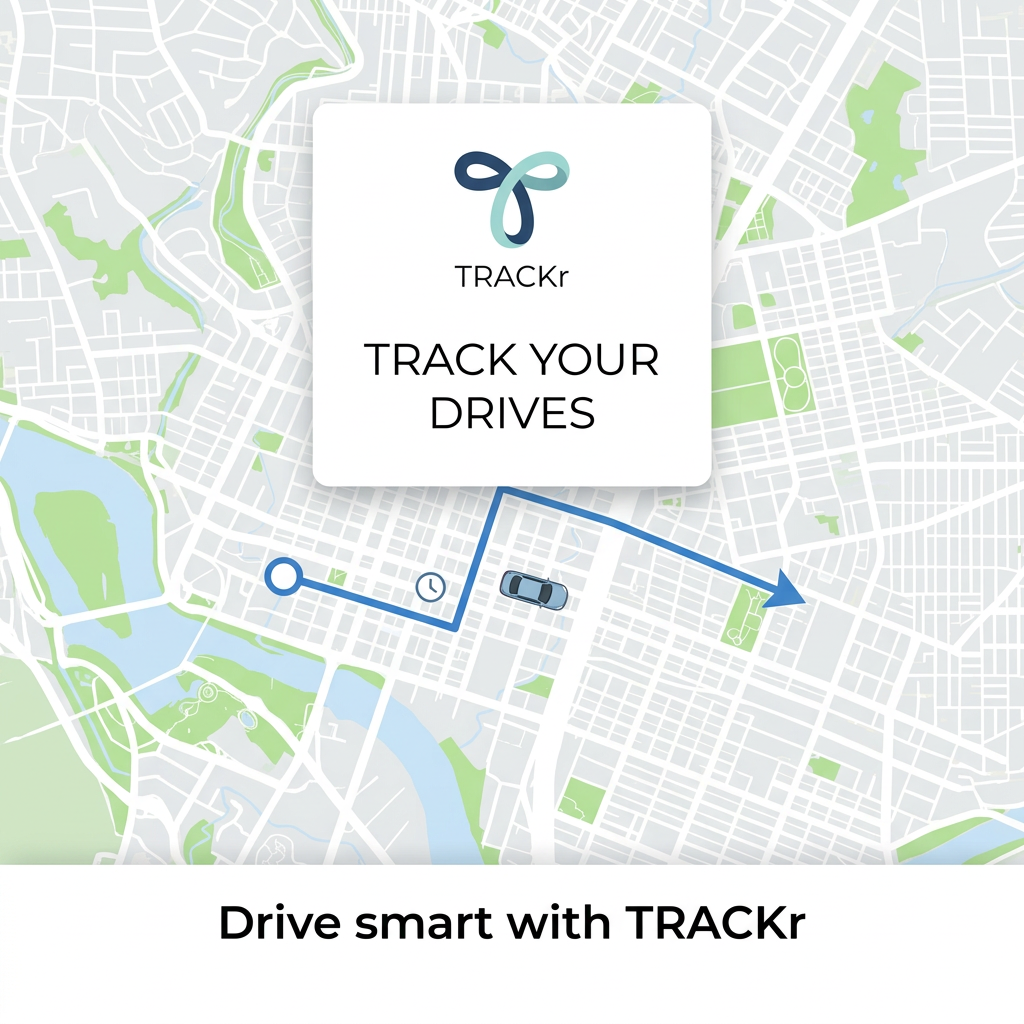
- Format: Stylised map with a route line and a central brand card.
- Best for: Navigation, mileage tracking and driving apps.
- Hook: 'Track your drives' states the app's job in three words.
- Reuse it: Use a clean map with a route line, and add one concrete benefit and app store badges.
Available sizes
What is a product shot ad?
A product shot ad puts the product itself at the centre of the frame, usually on a clean or styled background with little text. It works best when the packaging or product is distinctive enough to stop the scroll and the viewer already understands what it does.
See all product shot ads →Why this product shot ad works
- 01
Instantly understood
A map and route line tell viewers it's a driving app before they read anything.
- 02
Clean design
Flat, muted map colours keep the ad calm and uncluttered.
- 03
Strong brand card
The centred logo card makes the brand the focus.
- 04
Movement implied
The route arrow and car suggest motion and progress.
Full creative breakdown
Who this ad targets
Drivers who need to record their trips, such as freelancers and gig workers logging mileage for expenses or taxes, sales reps, delivery drivers and small business owners. Parents tracking new drivers and people curious about their driving habits are secondary audiences. They want an app that works automatically in the background and makes reporting simple. Rideshare drivers and couriers who claim mileage expenses are another strong segment.
Copywriting analysis
The copy is extremely short: 'Track your drives' and 'Drive smart with TRACKr'. It's clear but doesn't say why tracking matters. Is it for mileage expenses, fuel savings, safety scores or trip history? Adding one specific benefit, such as 'Log mileage automatically for tax time', would give viewers a reason to download. There's also no call to action or app store badge on the image, which is unusual for an app ad. A store rating or a 'free' label would also lower the barrier to downloading.
Visual design
The map is clean and attractive, with soft greens and blues that feel calm. The blue route line is the only strong colour on the map, drawing the eye from start to arrow. The white logo card sits centrally and stands out with a soft shadow. The bottom bar adds a clear tagline. The overall effect is polished but generic; a phone frame or a real app screen would show what using the app looks like.
How to adapt this template for your brand
- Use a clean map background with a single coloured route.
- Add a central card with your logo and a short promise.
- Write one line about a concrete benefit, such as mileage logs or savings.
- Include app store badges or a phone frame showing the real app.
- Keep the map stylised so it doesn't look like a specific navigation brand.
Tips for travel ads on Meta
This works for Meta and Google App campaigns. Add app store badges or use the platform's app install format so the action is clear. Target freelancers, gig drivers and small business owners for mileage tracking. Test benefit-led versions, such as tax savings or safety, against this generic one. If location data is collected, make privacy terms clear on the store listing. Note this ad arguably belongs under Automotive or Apps & Subscriptions rather than Travel.
About this creative
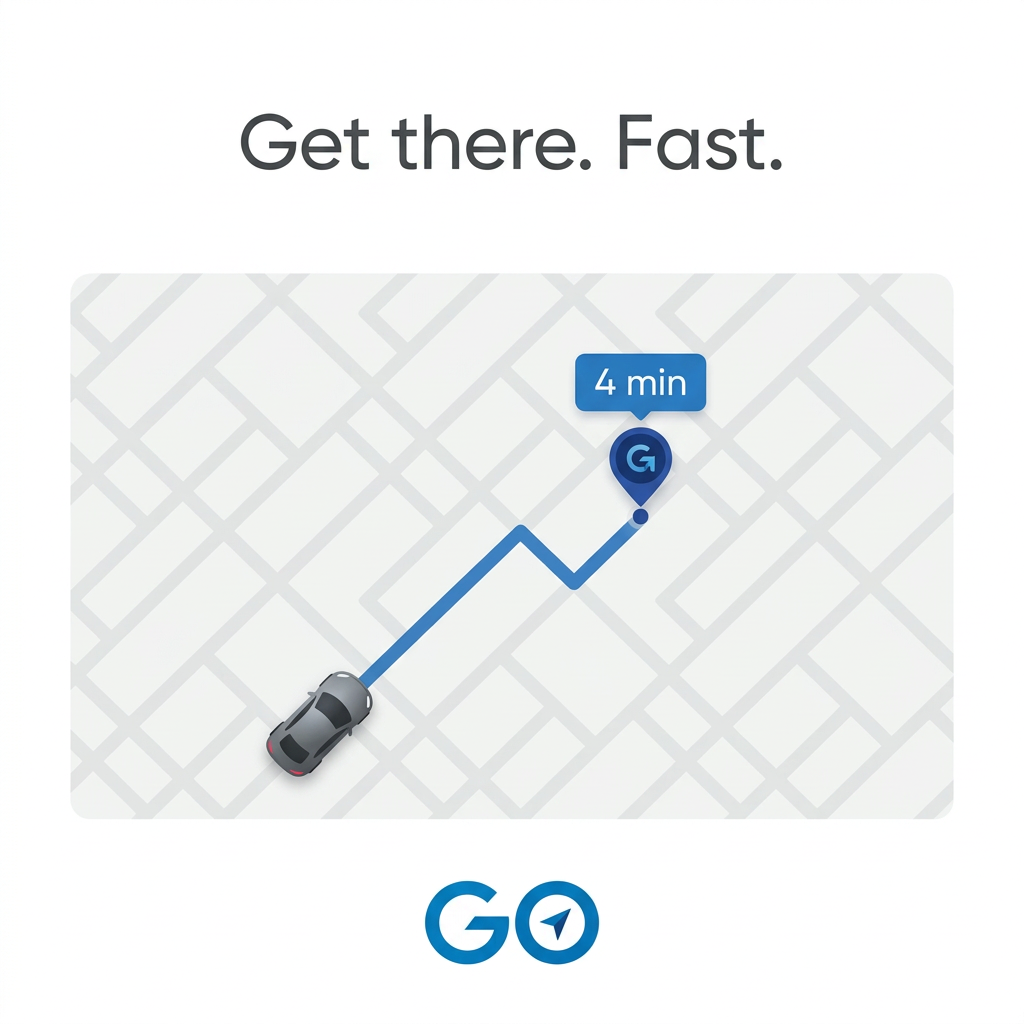
An app ad for TRACKr built on a stylised city map. The map fills most of the square, with light grey streets, white roads, pale green parks and a winding blue river on the left. A blue route line starts at a white circle on the left, passes a small clock icon, turns up through a junction and heads right to a blue arrow near a park. A small blue car icon sits on the route in the middle. Above the route, a white rounded card holds a looping logo in navy and mint, the TRACKr name, and the line 'Track your drives' in black capitals. A white bar along the bottom reads 'Drive smart with TRACKr' in bold black type. There's no phone, screenshot, feature list or download badge. The style is flat, clean and modern, closer to a map illustration than a real navigation screen.
Meta ad · 1200 × 1200 · Travel
Map Route Ad for a Drive Tracking App
TRACKr shows a clean, light city map with a blue route, a start point, a clock icon and a small car, under a white card with its looping logo and the line 'Track your drives'. A bar at the bottom says 'Drive smart with TRACKr'. Use it for navigation, mileage and driving apps, adding a concrete benefit.
Added
All brand names and logos are property of their owners. Adplaylist is not affiliated with or endorsed by these brands.
Details
Ad copy
Primary text
Know where every mile goes. TRACKr automatically logs your drives, routes and times, so you can review trips, track mileage and drive smarter.
Description
Drive and mileage tracking app
On-image text
TRACKr | TRACK YOUR DRIVES | Drive smart with TRACKr
Headline ideas for this template
- 1Every mile, logged automatically
- 2Track your drives, save on taxes
- 3Drive smart with TRACKr
- 4Your trips, mapped and measured
- 5Mileage tracking made easy
Meta image ad specs
| Placement | Ratio | Size (px) |
|---|---|---|
| Feed | 1:1 or 4:5 | 1080×1080 / 1080×1350 |
| Marketplace | 1:1 | 1200×1200 |
| Messenger inbox | 1:1 | 1200×1200 |
| Stories & Reels | 9:16 | 1080×1920 |
This template is 1:1. Request 4:5 or 9:16 to cover all placements.
Browse similar by tag