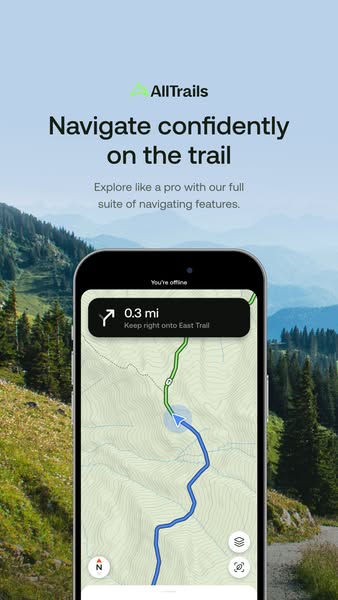
Key takeaways
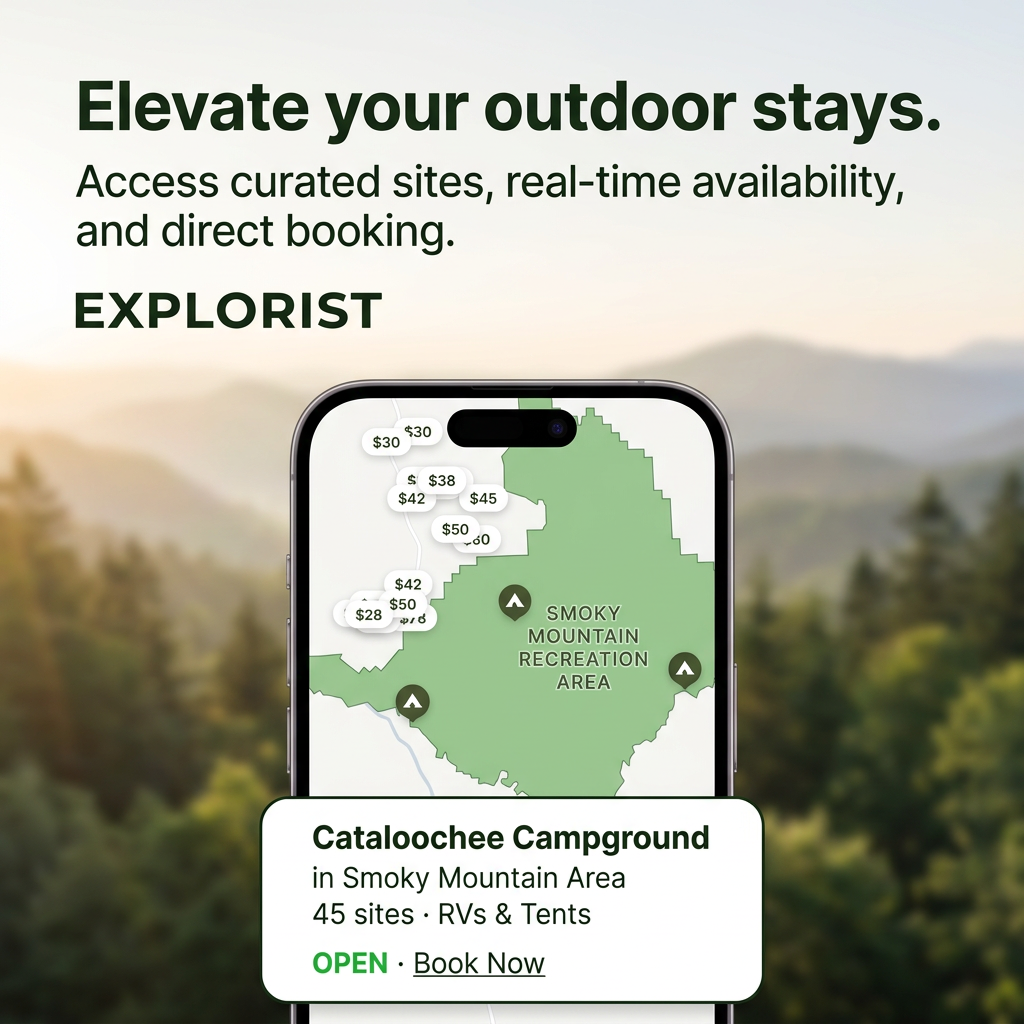
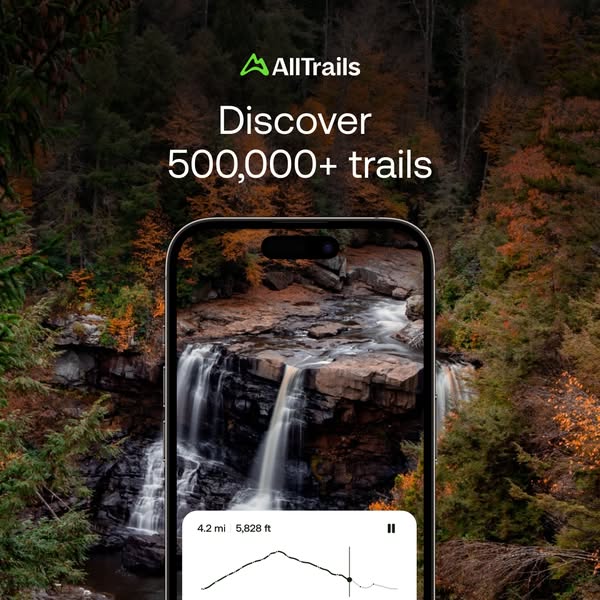
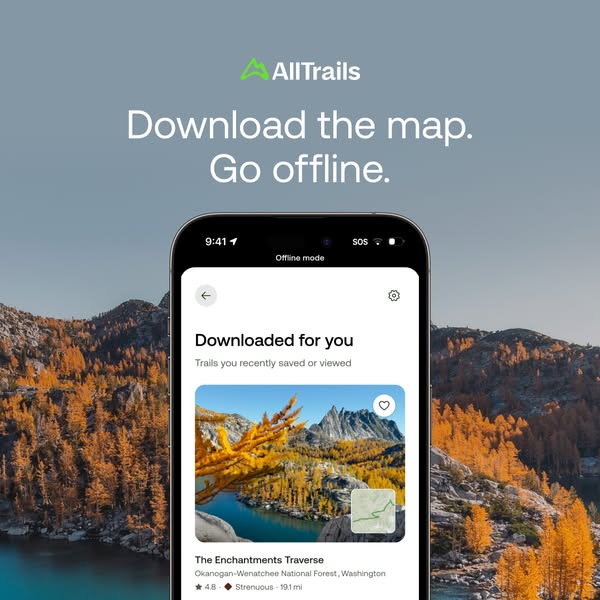
- Format: Feature callout with a phone mockup over a scenic outdoor backdrop.
- Best for: Mobile apps promoting a safety, offline or reliability feature.
- Hook: 'You're offline' on screen – yet navigation keeps working.
- Reuse it: Swap in your app's key screen, keep the scenery that shows where it's used.
Available sizes
What is a feature callout ad?
A feature callout ad is a static image that shows a single product with short text labels pointing to its key features or benefits, usually joined to the product by thin lines. It explains several selling points at a glance without a long caption, which is why it's common for supplements, skincare, electronics and kitchenware.
See all feature callouts ads →Why this feature callouts ad works
- 01
Shows the fear, solves it
The 'You're offline' banner names the hiker's biggest worry and the turn-by-turn card instantly resolves it.
- 02
Real UI as proof
A genuine app screen is more credible than any claim, and it previews exactly what users get.
- 03
Context sets the scene
The mountain backdrop places the product in the moment of use, so viewers imagine themselves on the trail.
- 04
Readable at a glance
Dark type on a pale sky and a single headline keep the message clear in a two-second Stories view.
Full creative breakdown
Who this ad targets
Active hikers, trail runners and backpackers who explore unfamiliar or remote routes where cell coverage drops. It also speaks to less experienced hikers who feel nervous about getting lost and want reassurance before heading out. Most likely targeting US outdoor-interest audiences aged 25–55, existing free AllTrails users who could upgrade to a paid tier for offline features, and lookalikes of engaged app users during peak hiking season.
Copywriting analysis
The headline 'Navigate confidently on the trail' sells an emotion – confidence – rather than a feature list. 'Confidently' quietly addresses anxiety about getting lost without stating anything negative. The subline, 'Explore like a pro with our full suite of navigating features', adds aspiration (being a pro) and breadth (a full suite), hinting there is more to discover inside the app. The most persuasive words, though, are inside the screenshot: 'You're offline' and 'Keep right onto East Trail'. These micro-copy lines do the selling by showing the product working in the exact situation users fear. The copy stays short, positive and benefit-led, letting the visual carry the detail.
Visual design
A soft, natural palette of sage green, sky blue and white keeps the ad calm and premium. The phone mockup occupies the lower half and is cropped at the bottom, pulling the eye upward from the route line to the headline. A hazy depth-of-field background separates the product from the scenery. The black instruction card provides strong contrast against the light map. Generous whitespace around the headline and a centred layout make it easy to scan in Stories.
How to adapt this template for your brand
- Pick the one feature that removes your users' biggest fear or friction.
- Capture a real app screen that shows that feature working, including any status cue (e.g. 'offline').
- Choose a background photo of the place or moment the product is used.
- Write a short emotional headline (confidence, ease, safety) plus one supporting line.
- Place the phone in the lower half, crop it at the bottom, and keep text in the top safe zone.
Tips for hiking ads on Meta
Built for Meta Stories and Reels, so keep the headline in the top 20% and avoid the bottom 15% where the CTA and reply bar sit. Pair it with an app install objective and a 'Download' button. Test a version with a short screen recording of the route updating for Reels. For Google App campaigns, supply the phone screen and headline as separate assets so the system can recombine them.
About this creative
A vertical Stories ad for AllTrails built around one promise: you won't get lost. The top third holds the green AllTrails logo, a bold black headline, 'Navigate confidently on the trail', and a short supporting line about a full suite of navigation features. The background is a soft, hazy alpine scene with pine trees, green slopes and layered blue mountains, which fades into a bright sky so the dark type stays readable. The lower half is dominated by a black phone mockup showing the AllTrails map in action. A status bar reads 'You're offline', and a dark instruction card says '0.3 mi – Keep right onto East Trail'. A blue route line and location marker climb a topographic map, with a compass and layer buttons in the corners. Nothing is staged or decorative: the product screen is the proof. The ad works as a calm, trustworthy demonstration of a premium feature rather than a hard sell.
Meta ad · 338 × 600 · Hiking
AllTrails Hiking App Ad: Navigate Confidently on the Trail
This vertical AllTrails ad promotes offline trail navigation by showing a real app screen – a 'You're offline' banner and a turn-by-turn prompt – over an alpine meadow. It is a clean feature-callout format for Stories and Reels that app marketers can reuse to sell any safety or reliability feature.
Added
All brand names and logos are property of their owners. Adplaylist is not affiliated with or endorsed by these brands.
Details
Ad copy
Primary text
Lost signal? Not lost. AllTrails keeps you on route with offline maps, turn-by-turn directions and real-time alerts – even when you're off the grid.
Description
Offline maps and turn-by-turn trail navigation.
On-image text
AllTrails | Navigate confidently on the trail | Explore like a pro with our full suite of navigating features. | You're offline | 0.3 mi – Keep right onto East Trail | N
Headline ideas for this template
- 1Lost signal? You won't lose the trail
- 2Turn-by-turn directions, even offline
- 3Hike further with confidence
- 4Never wonder 'which way?' again
- 5Your trail guide works without signal
Meta image ad specs
| Placement | Ratio | Size (px) |
|---|---|---|
| Feed | 1:1 or 4:5 | 1080×1080 / 1080×1350 |
| Marketplace | 1:1 | 1200×1200 |
| Messenger inbox | 1:1 | 1200×1200 |
| Stories & Reels | 9:16 | 1080×1920 |
This template is 1:1. Request 4:5 or 9:16 to cover all placements.